 Clock
Clock
 Memory
 Control
Nomenclature & Notes
This page defines the notation and drawing conventions used throughout the CPU posts.
Most posts start with a Basics Primer section. Those sections provide background for readers who may not already know the module being discussed.
When I mention SAP-1, I am referring specifically to Ben Eater’s version of the SAP-1 build, unless stated otherwise.
I use CPU, build, and computer interchangeably when referring to this project.
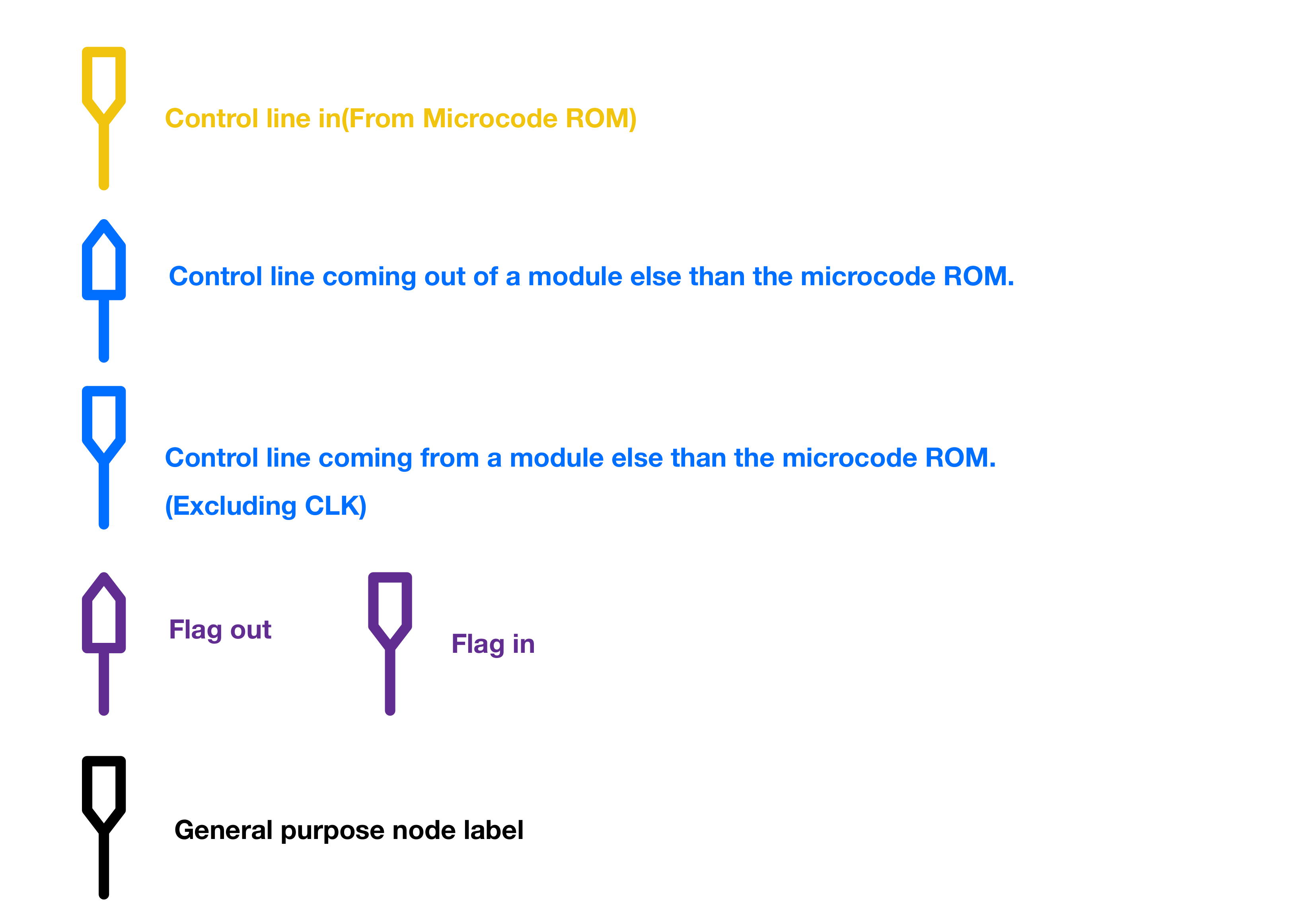
|← marks a control signal or connection entering a module.
|→ marks a control signal or connection leaving a module.
~ marks active-low signals.
I use HIGH, ON, and 1 interchangeably. I also use LOW, OFF, and 0 interchangeably.
Most of the schematics and diagrams in this series were drawn using a top-notch, industry-tier, advanced EDA tool called Notability.
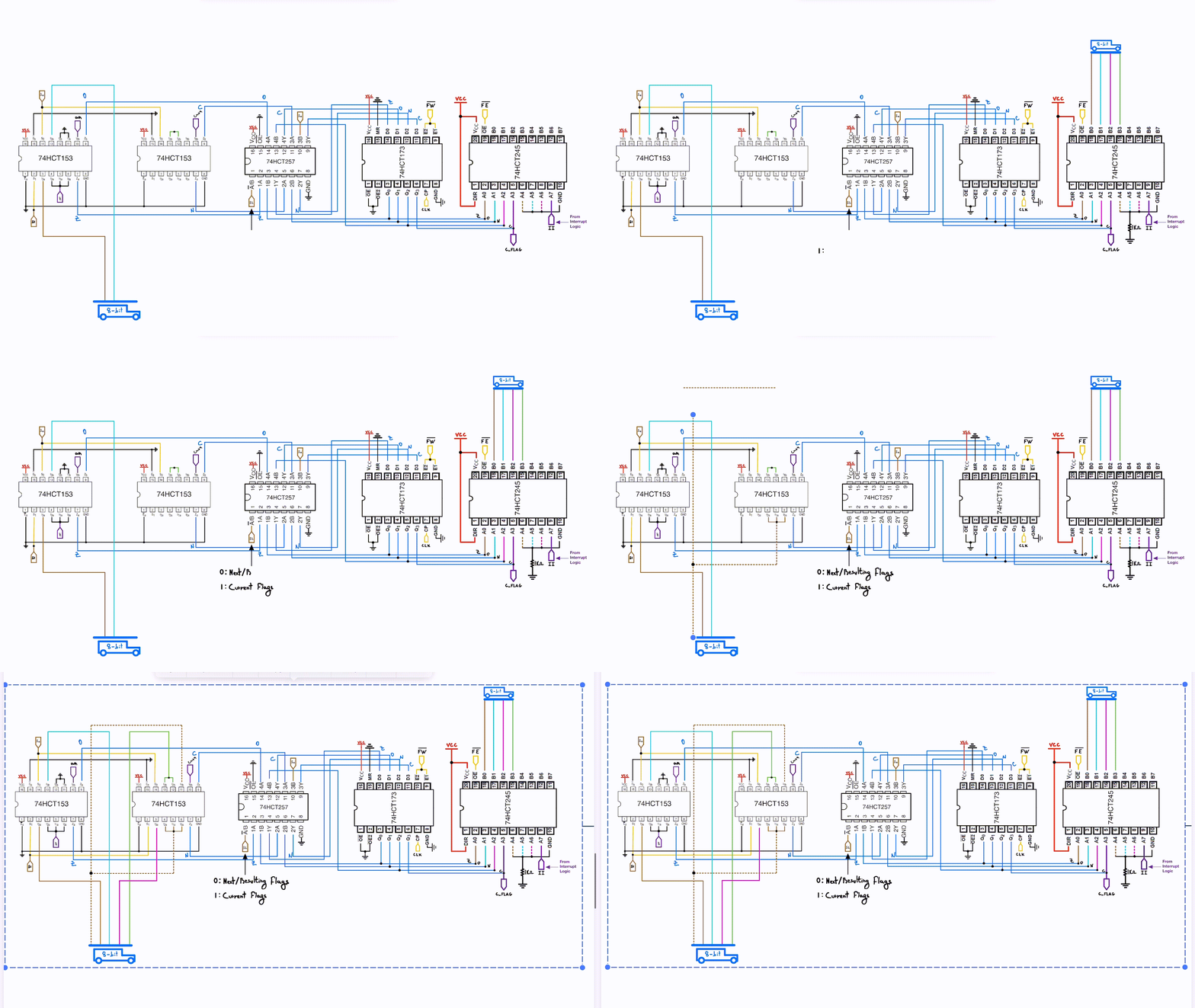
On a serious note, Notability is a note taking app I’ve been using extensively throughout my college years. Most of the schematics and diagrams that I made myself (All figures without cited sources) in this series of posts, were made using Notability. Being able to freely draw the schematics helped me have control on the ICs orientations on the breadboards, which was very important to minimize the area used. You’ll notice throughout the posts that I mostly use the actual chips pinout instead of logic/schematic symbols. This makes it much easier to transfer the final schematics over to the breadboards.
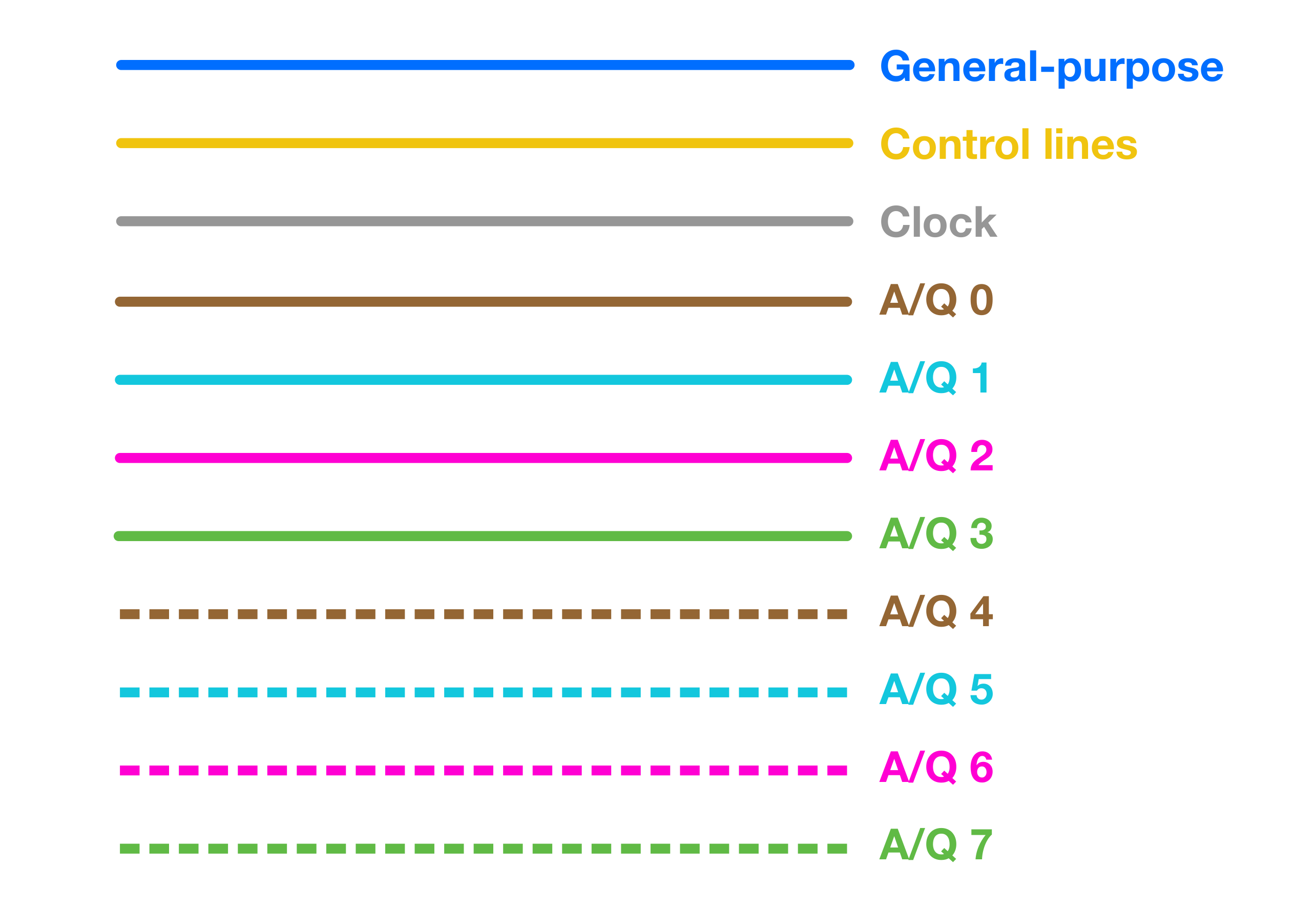
I’ve applied a straightforward color-coding system to the data lines in the schematics to indicate their bit significance. The coding starts with solid brown for the least significant bit (bit 0) and progresses through to dotted green for the most significant bit (bit 7). Each bit is represented by a unique color, with solid lines for the lower four bits and dotted lines for the higher four. For instance, bit 0 is linked with solid brown, bit 2 with solid purple, bit 5 with dotted light-blue, and so on. On components that use more than 8 bits the same color coding rolls over at the 9th bit, and so forth.
The data and address bus notation that I’ve used for this project’s schematics is the drawing of an actual bus. Why? Because it makes sense!